
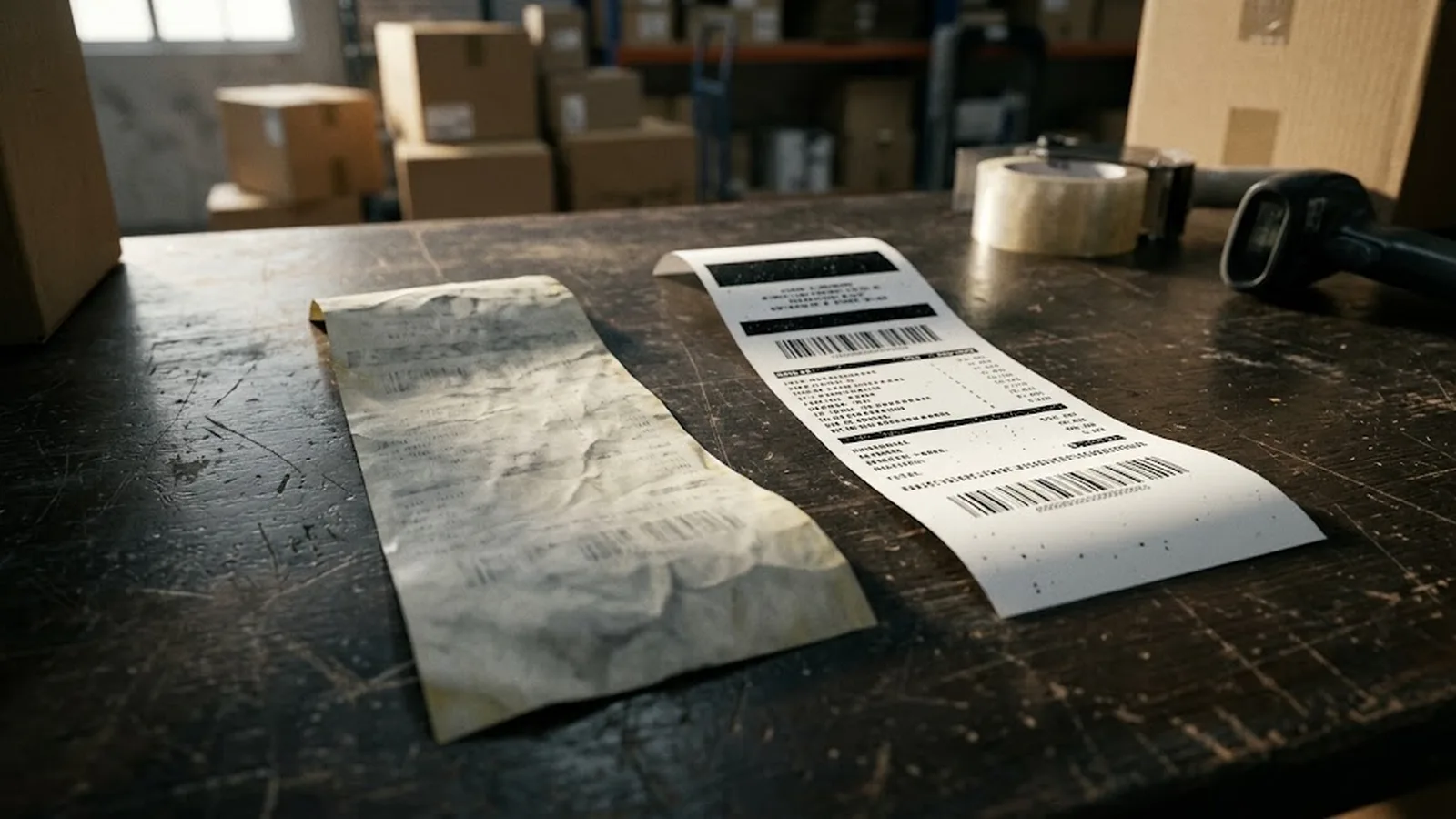
Thermal paper fades because its image is a chemical state, not deposited ink: the black mark is formed by a heat-triggered reaction between a leuco dye and a developer inside the coating, and that reaction can be driven backwards or degraded by further environmental stress. The main causes are heat (any warming above storage temperature accelerates re-reaction and background darkening), ultraviolet light (which breaks down the developed dye), high humidity (which mobilises the chemistry and weakens the base sheet), plasticisers and solvent-based adhesives (which chemically attack the image), and surface abrasion. Fading is therefore not a defect but a predictable property of the chemistry — and it is managed by choosing the right coating grade for the document's life requirement, then storing and handling the paper cool, dark, dry and away from plastic and aggressive adhesives.
Almost everyone has met a faded thermal receipt: the delivery note that went blank in a hot van, the parking slip that bleached to white on the car dashboard, the warranty record that turned a vague grey by the time a claim was made. The complaints reach every distributor and retailer, and they are nearly always filed as 'bad paper'. The truth is more interesting — and more manageable.
A thermal image is not ink sitting on top of paper. It is a chemical change inside the coating: heat from the print head melts a colourless dye and a developer together, the dye flips into its visible dark form, and the mark cools back into a solid state. Because the image lives in that metastable chemical state, anything that adds energy or chemistry to the system — heat, sunlight, moisture, plasticisers, solvents — can disturb it. Fading is written into the physics of the product; whether it happens in two weeks or ten years is a matter of grade selection and handling.
This guide explains the mechanism in plain language, ranks the real-world causes from most to least common, separates true fading from the opposite problem of paper that turns black all over, and gives a practical prevention checklist for storage, handling and specification — the same checklist an experienced exporter applies before shipping a single roll.
Requests that combine several formats can be quoted together; see 48 gsm lightweight thermal paper for the construction options behind each one.
- A thermal image is a chemical state inside the coating, not deposited ink — so it can be disturbed by heat, light, moisture and chemicals.
- Heat is the fastest fade driver: every sustained temperature rise accelerates both image loss and background darkening.
- UV light bleaches the developed dye; daylight on a windowsill can visibly fade a receipt within weeks.
- Plasticisers from PVC sleeves and solvent-based adhesives chemically attack the image — the classic hidden cause of fading receipts in wallets and filed documents.
- Prevention has two halves: pick the grade whose tested image life matches the document's requirement, then store and handle it cool, dark and dry.
The mechanism: an image that lives in chemistry
Inside the thermal coating, a colourless leuco dye and an acidic developer coexist as solids, held apart by the matrix that carries them. The print head pulses heat at the exact contact points; the coating momentarily melts, dye and developer meet and react, and the dye converts to its coloured form — nearly always black. Within milliseconds the spot cools, solidifies, and the image is fixed. Nothing is added from outside: no ink, no ribbon, no toner.
That elegance carries a consequence. The developed dye is stable only in the way any chemical product is stable: as long as the environment leaves it alone. Add enough heat and the reaction system gains the energy to keep rearranging — the image softens, spreads, or the whole surface drifts toward grey. Add ultraviolet photons and the dye's molecular structure is broken down directly, bleaching the mark. Add moisture and the coating becomes slightly mobile, letting unwanted reactions proceed at room temperature. Add a chemical actor such as a plasticiser and the developed form of the dye is attacked or reversed outright.
Understanding this explains the two failure modes buyers report. Fading proper is the image losing density — text going grey, then ghostly, then blank. Backgrounding is the reverse: the unprinted areas darken, reducing contrast until the print is unreadable even though the marks themselves persist. Both are the same chemistry responding to stress from different directions, and both are prevented the same way.
- The image is a heat-formed chemical state in the coating — smear-proof, but environmentally sensitive by design.
- Fading = the developed dye losing density; backgrounding = unprinted areas darkening. Same chemistry, opposite directions.
- Every cause below acts by adding energy or chemistry to the coating — remove the stress and the state is stable for years.
The real-world causes, ranked
Heat leads the list, and not only dramatic heat. Storage above roughly 40 °C accelerates the coating's internal chemistry continuously; a roll kept in a hot storeroom ages the equivalent of years in months. The extreme cases are familiar — a receipt on a car dashboard in summer, a till-roll box above a kitchen pass, a delivery van parked in the sun. But even modest chronic warmth, such as documents filed near heating pipes, quietly consumes image life. Heat also causes the background problem: overheated rolls develop grey backgrounds before the text ever fades.
Ultraviolet light is the second driver. Direct sunlight bleaches the developed dye efficiently — a receipt taped to a window or left on a sunlit counter fades noticeably within weeks. Ordinary indoor light acts far more slowly, which is why documents in drawers and files outlast documents on display. Moisture ranks third: high humidity mobilises the coating slightly and weakens the base sheet, so paper stored in damp conditions loses both image density and physical integrity; wet thermal paper also abrades far more easily.
The most under-appreciated causes are chemical. Plasticisers — the softening agents in PVC — migrate into the coating and attack the image; a receipt kept in a PVC wallet or a document sleeved in cheap plastic film can lose its print in months. Solvent-based adhesives, some rubber bands, certain carbonless papers and aggressive sanitising chemicals act similarly. Finally, plain abrasion matters at the margin: the image lives in a layer micrometres thick, and constant rubbing in a pocket or a jammed feed scuffs it away. None of these causes is exotic — which is exactly why prevention is procedural, not technical.
Our top-coated thermal label stock programme publishes the test data behind each grade, so specifications can be verified against the mill's own measurements rather than a catalogue claim.
| Cause | Typical scenario | Effect on the image | Speed |
|---|---|---|---|
| Heat | Dashboard, hot storeroom, van in summer | Image fades and background greys | Hours to months |
| UV light | Sunlit counter, window display | Dye bleached; image pales | Weeks |
| Humidity | Damp storeroom, cold-chain condensation | Slow density loss; sheet weakens | Months |
| Plasticisers / solvents | PVC wallets, solvent adhesives, rubber bands | Chemical attack; localised blanking | Weeks to months |
| Abrasion | Pockets, jammed feeds, stacking friction | Surface scuffed; fine print lost first | Ongoing |
Prevention: storage, handling and grade selection
Storage rules are short and absolute: keep thermal paper cool, dark and dry. The widely used benchmark is below 30 °C and under about 65 percent relative humidity, away from windows, radiators and direct sunlight, in original packaging until use. Stock rotation — first in, first out — matters even before printing, because unprinted paper has a shelf life too. Keep rolls clear of solvents, sanitiser concentrates, carbonless paper and anything PVC-based, including the seemingly harmless practice of clipping receipts into plastic sleeves.
Handling after printing follows the same logic. Documents that must survive should go into paper folders or polypropylene (not PVC) sleeves, never into a car's sunlit dashboard tray; digitising important receipts by scan or photograph remains the only truly permanent archive. At the device level, correct print head energy and clean heads reduce both over-heating of the coating and the abrasion that comes with misfeeds.
Grade selection is the half of prevention that happens before the paper is ever bought. Standard uncoated receipt grades are engineered for roughly 3–5 years of legibility in cool, dark storage — right for churn receipts, wrong for records. Top-coated grades add a protective barrier that resists water, oil, plasticiser migration and abrasion, with documented image retention of 7–10 years or more under accelerated ageing. Matching the coating grade to the document's required life — and demanding the manufacturer's test data for background ageing and image retention, not just a sales claim — is what turns fading from a recurring complaint into a managed specification.
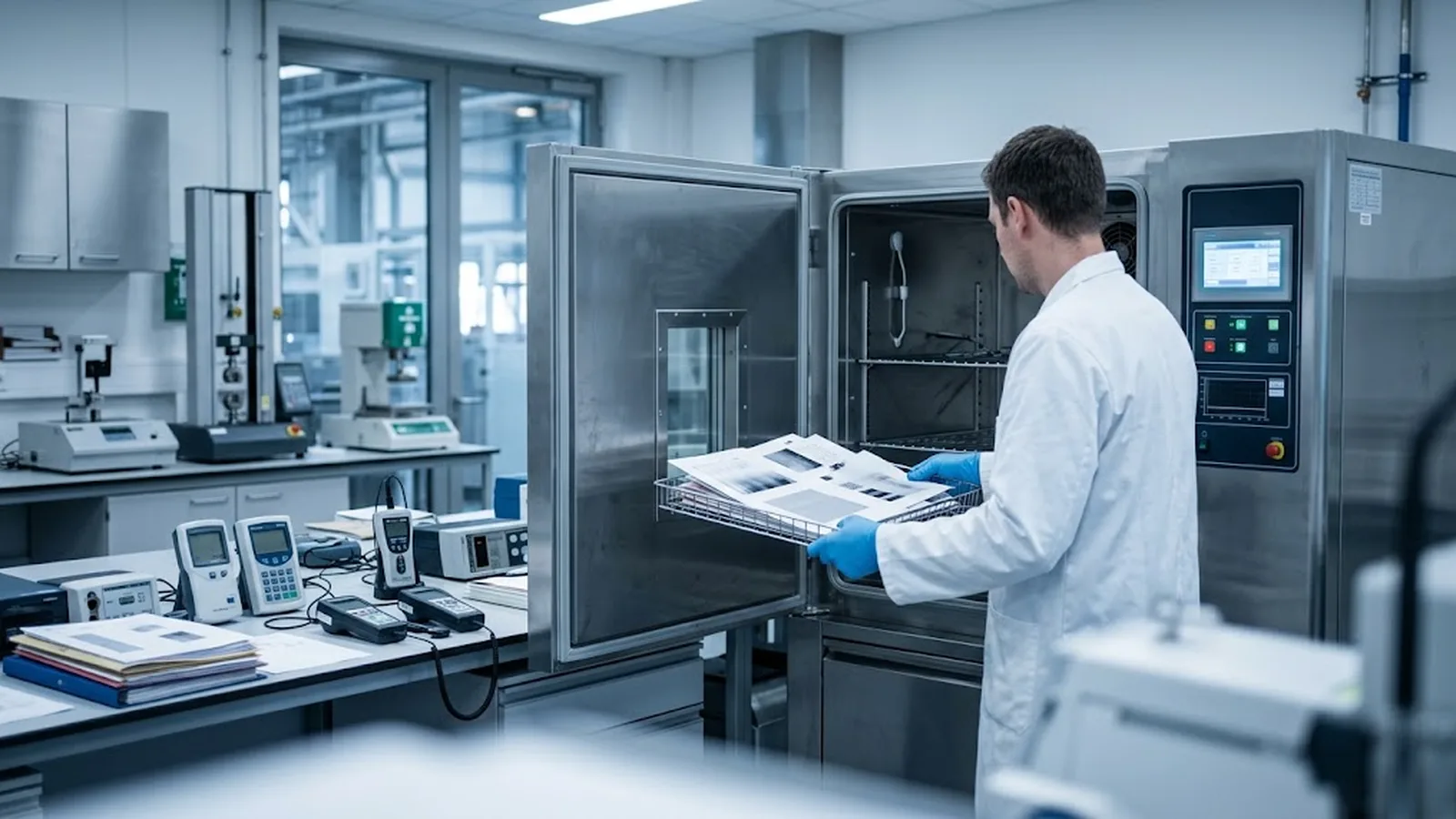
Rule of thumb: heat, light and PVC are the three fastest ways to lose a thermal image. If a document must survive, top-coated grade, paper storage, digital backup — in that order.
What this means for buyers and distributors
For importers and distributors, fade complaints are usually a specification mismatch rather than a defective shipment. The diagnostic sequence is quick: ask where the document lived between printing and complaint — a van, a window, a wallet, a damp stockroom — and the cause usually identifies itself. Rolls that blacken entirely before printing point to heat-damaged stock or exhausted shelf life; printed documents that fade in specific spots point to chemical contact; uniform pale prints point to storage heat or, occasionally, under-powered printing.
The procurement action is to make image life an explicit, documented line in the specification: required retention years, assumed storage temperature and humidity, and the coating type chosen to meet them. A manufacturer with its own coating line can supply batch-level test data — print density, background ageing, accelerated image retention — and align production to the stated duty. That documentation is what a distributor hands on to end customers, converting 'paper faded' from a warranty dispute into a shared understanding of what the product was engineered to do, and under which conditions it will do it for years.
Where image life is the deciding factor, our top-coated vs non top-coated guide compares the two constructions on retention, cost and machine behaviour.
Frequently asked questions
Why does thermal paper fade over time?
Because the image is a chemical state inside the coating, not deposited ink. Heat, UV light, humidity, plasticisers, solvents and abrasion all add energy or chemistry to that system, degrading the developed dye or reversing the reaction. With correct grade selection and cool, dark, dry storage, a quality grade stays readable for many years.
How long does it take for a thermal receipt to fade?
It depends entirely on conditions. On a hot car dashboard, a receipt can fade in days or weeks; in a sunlit window, weeks to months; in cool, dark storage, an uncoated grade typically lasts 3–5 years and a top-coated grade 7–10 years or more. Storage conditions matter more than elapsed time alone.
Why did my thermal paper turn black instead of fading?
Uniform darkening is backgrounding — the whole coating reacted, usually from heat exposure or from a print head running at excessive energy. Rolls stored hot or kept past their shelf life darken before printing; if it happens only when printing, check the device's settings and head condition first.
Does laminating or taping thermal receipts prevent fading?
Only with the right materials. PVC-based laminates and sleeves accelerate fading because plasticisers migrate into the coating — a common cause of blanked-out receipts. Use polypropylene sleeves or paper folders instead, keep documents out of sunlight and heat, and scan anything that must be archived permanently.
Which thermal paper grade resists fading best?
Top-coated grades. The protective topcoat barriers water, oil, plasticiser migration and abrasion, and these grades carry documented image retention of 7–10 years or more under accelerated ageing. Ask suppliers for the test data — background ageing and image retention results — rather than relying on marketing claims.