
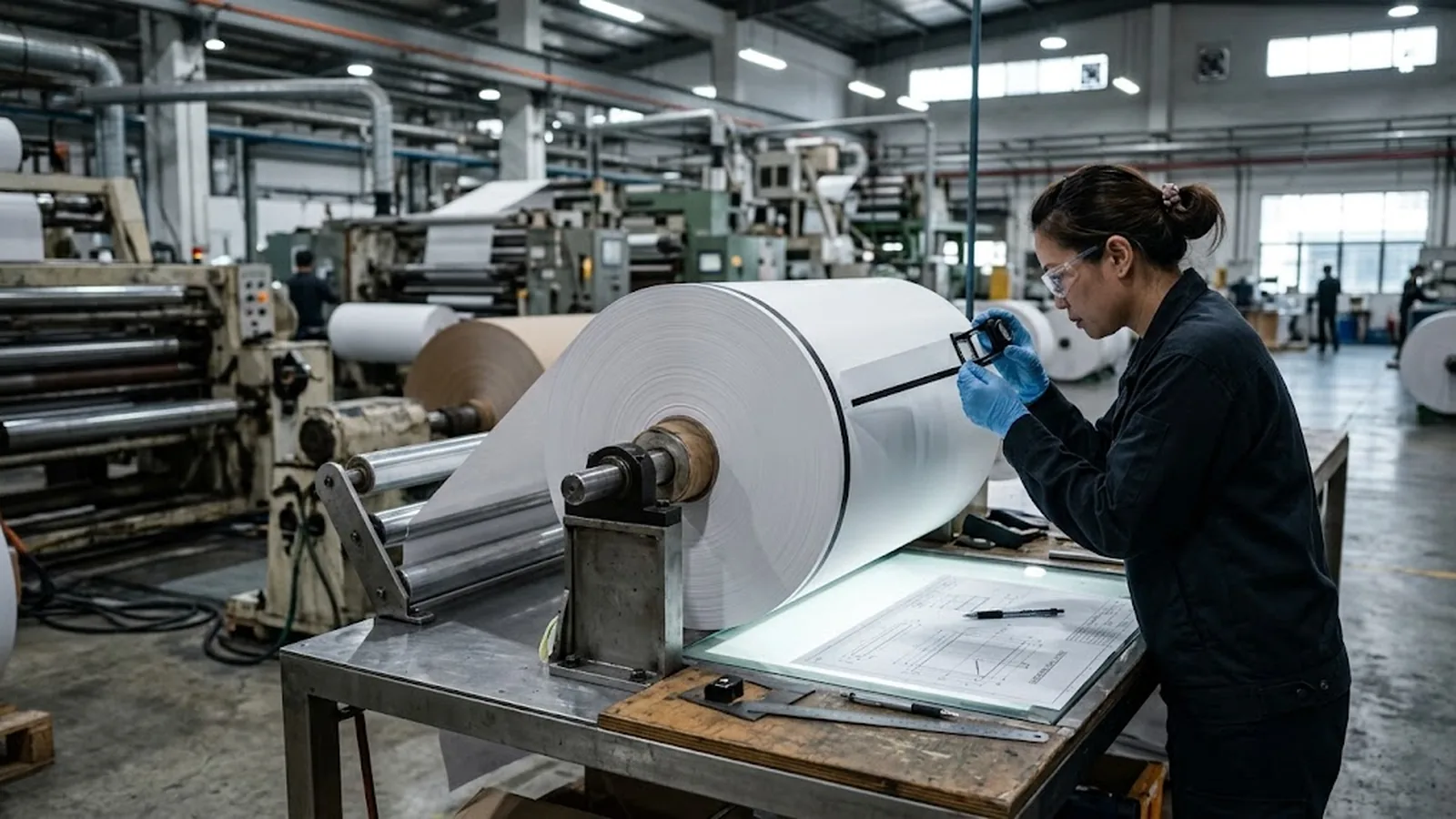
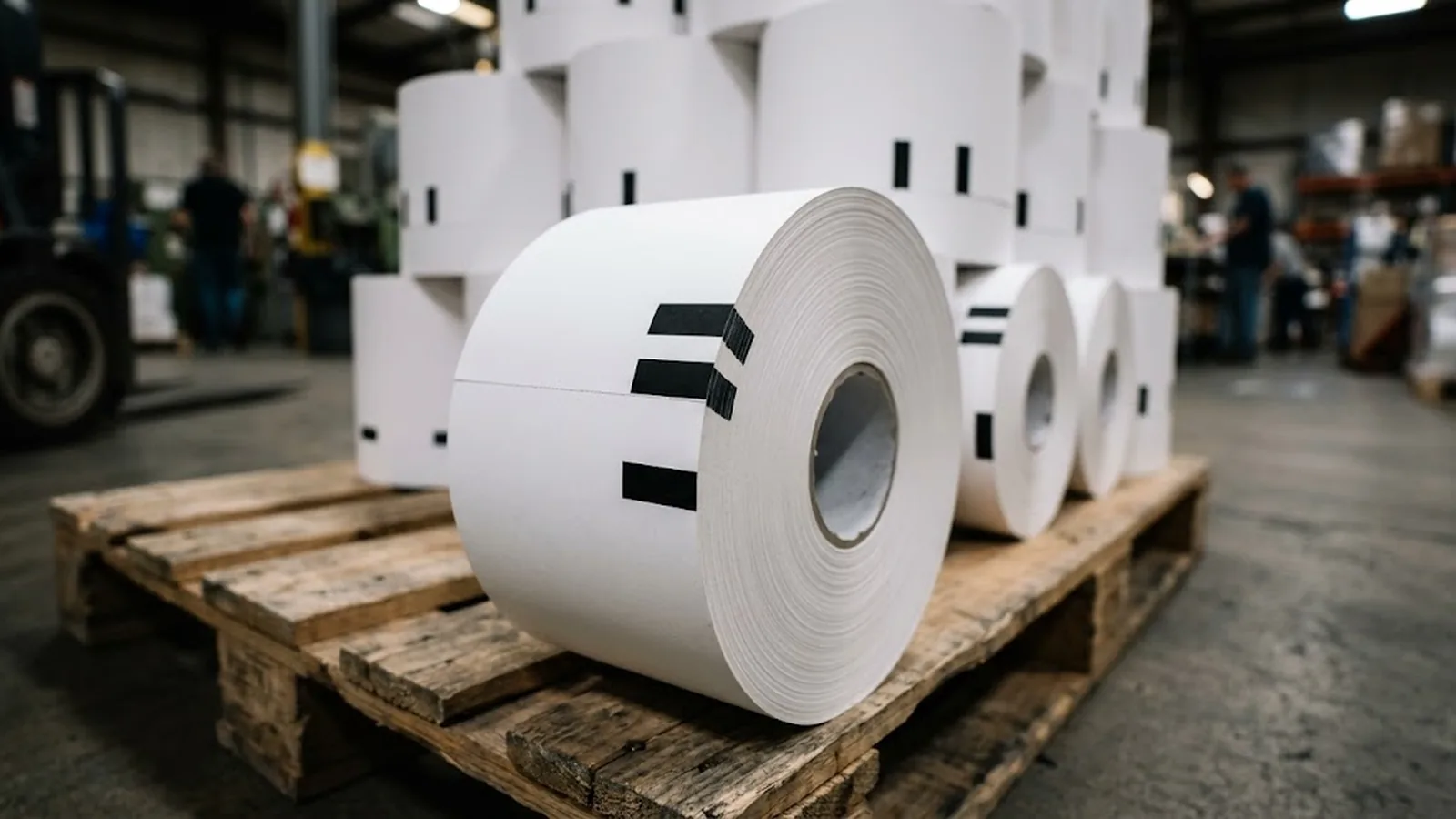
Black mark thermal paper is direct thermal paper with a small printed black stripe — the sense mark or registration mark — applied at a defined position on each document length. An optical sensor in the machine detects the mark and uses it to register the start of a ticket, the print area boundaries or the cut position, so every document comes out identical. It is standard in ATM receipts, gaming and lottery tickets, parking and transit tickets, queue tickets and kiosk vouchers. Buyers should specify the mark's position, width and density, the feed direction, and the distance from the mark to the print area and cut line.
Most thermal paper prints whatever the machine sends and never needs to know where one document ends and the next begins. But in machines that dispense or cut paper — ATMs, self-service kiosks, ticket dispensers, lottery and gaming terminals — the paper must stop at exactly the right point, print in exactly the right zone, and cut at exactly the right line, thousands of times a day. Black mark thermal paper is the construction that makes that registration possible.
The idea is simple: a black stripe printed on the roll at a fixed position acts as a reference point that an optical sensor can read. The engineering behind it is less simple — the mark's position, size, density and orientation must match the machine's sensor design to the millimetre, or documents come out mis-registered, mis-cut or unreadable.
This guide explains what the black mark actually is, how the sensing system uses it, how the marks are applied in converting, and what a buyer should state when ordering sense-mark rolls. It is written for procurement teams sourcing ATM, kiosk and ticket paper where registration is not optional.
- A black mark is a printed registration stripe that an optical sensor uses to find the start, print zone or cut line of each document.
- Mark position, width, density and orientation are machine-specific — they must match the terminal's sensor design, so they belong on the specification, not left to chance.
- Leading-edge and trailing-edge marks serve different machine designs; supplying the wrong one stops the dispenser entirely.
- Marks are printed during converting, after slitting or before, using ink that must not interfere with the thermal coating.
- Order black mark rolls by a drawing: document length, mark-to-edge distance, mark dimensions and print-area boundaries in millimetres.
What the black mark actually is
Black mark thermal paper is ordinary direct thermal paper — base sheet, precoat, heat-sensitive layer — plus one extra converting step: a small solid black rectangle or stripe printed at a precise position on every document length. The mark is applied with opaque black ink on one side of the web, usually near an edge but sometimes centred, depending on where the machine's sensor sits.
The paper itself is unchanged. The mark carries no data and has nothing to do with the printed receipt content; it is purely a physical reference feature. Because it sits on the non-thermal side or over the coating without crossing the print area, it never interferes with imaging — a correctly converted mark prints over, around or beside cleanly with no visible effect on the receipt.
The related term 'sense mark' describes the function rather than the look: the mark is there to be sensed. You will also see 'registration mark' or 'timer mark' in machine manuals. They all refer to the same feature. What matters commercially is that the mark is machine-specific, which is why black mark paper is almost always a custom-converted product rather than a catalogue item.
How the machine uses the mark
Inside the terminal, an optical sensor — typically an infrared LED and photodetector pair — watches the paper as it feeds past. The paper reflects the beam back; the black mark absorbs it, producing a clean signal pulse. The machine's controller counts feed steps between pulses and knows precisely where the paper is at any moment.
Three jobs depend on that pulse. First, document start: the machine advances paper until the mark passes the sensor, establishing the top of the next receipt. Second, print-zone registration: the terminal prints only within the boundaries defined relative to the mark, so logos, barcodes and transaction data land in the right place every time. Third, cut control: the cutter fires at the defined distance from the mark, giving consistent document length and clean separation.
Orientation is the detail that trips up first-time buyers. A leading-edge mark arrives at the sensor before the print area; a trailing-edge mark arrives after it. Machine designs are built around one or the other, and a roll with the wrong orientation will either mis-register or stop the dispenser with a paper error. This is why converters ask for a sample roll or a drawing before quoting — the mark layout is a drawing, not a description.
- Leading-edge mark: sensed before the print area — common in many ticket dispensers.
- Trailing-edge mark: sensed after the print area passes — common in certain ATM and gaming designs.
- Centre mark: used where the sensor sits mid-web, e.g. some kiosk printers and validators.
- Multiple marks: some security ticket formats use two marks per document for anti-counterfeit logic.
How marks are applied in converting
Black marks are printed at the converting stage, not at the paper mill's coating line. For jumbo-roll converters this matters: the parent roll arrives unmarked, and the mark must be applied during or after slitting with positional accuracy of a fraction of a millimetre across the whole roll length.
The process uses flexographic or rotary screen printing with an opaque black ink, registered to the web's document pitch. Placement depends on the machine: marks printed on the reverse side are typical where the thermal surface must stay clean; marks on the thermal side, away from the print zone, are equally common. Ink choice is deliberate — it must adhere to the coating or the back of the sheet, stay opaque for the sensor, resist the temperatures the roll sees in transit, and never migrate into the thermal layer.
Quality control is where converters earn their keep. Mark position is checked against the drawing across the roll's full length, mark density is verified so the sensor sees a solid signal, and registration drift over thousands of metres is measured, not assumed. A roll with a faint, drifting or missing mark produces exactly the kind of intermittent fault that is expensive to diagnose at the terminal — so converters sample-test sensor response with a reference reader before shipment.
What buyers should specify
Because the mark layout is machine-specific, the purchase order should carry a drawing or a written table, not just a size. The essential fields: document length and roll width; mark position measured from the leading edge or the cut line; mark length and width in millimetres; feed direction (which side of the paper faces the sensor); print-area start and end relative to the mark; and core size and wind direction.
Density deserves its own line. Sensor manufacturers specify a minimum optical density for a reliable signal — the mark must be solid black to the sensor, not dark grey. If you are replacing an existing supply, the fastest route is to send the converter a sample of your current roll: mark position, density and orientation can all be measured from it and matched exactly.
Finally, pair the mark specification with the media specification you would apply to any thermal purchase — gsm, sensitivity class, top coating if the document must survive handling, and shelf life. The mark makes the machine run; the grade makes the document last. Both belong in the enquiry.
| Parameter | Why it matters | Typical tolerance |
|---|---|---|
| Mark position from edge/cut line | Defines document registration | ±0.5 mm |
| Mark length × width | Must cover the sensor window | ±0.5 mm |
| Mark optical density | Sensor needs a solid signal | ≥ 1.5 OD |
| Feed direction / face | Wrong orientation stops the dispenser | Per machine design |
| Print-area boundaries | Keeps printing off the mark zone | ±1 mm |
| Document pitch / roll length | Documents per roll calculation | Per order |
If you can send one sample roll of your current stock, a converter can reverse-engineer the full mark specification from it.
Frequently asked questions
What is the difference between black mark thermal paper and ordinary receipt paper?
Functionally the thermal coating is the same; the difference is the printed registration mark. Ordinary receipt paper is cut by length or marked only by a sensor watching paper run-out, while black mark paper gives the machine an exact reference for print and cut positions on every document. It is used wherever fixed-length dispensing matters — ATMs, kiosks, ticketing and gaming.
Can I use any black mark roll in my ATM or kiosk?
No. The mark's position, size, density and orientation must match the machine's sensor design. A roll with the wrong layout will mis-register documents or trigger paper errors. Always order against a drawing or a matched sample of your current rolls.
Does the black mark affect printing quality?
Not when it is correctly converted. The mark sits outside the print area, and the ink is chosen not to migrate into the thermal coating. A receipt from black mark paper images identically to the same grade without a mark.
Why is black mark paper more expensive than standard rolls?
The mark requires an extra printing step in converting, registered to tight positional tolerances, plus additional QC — position checks across the roll length and sensor-response testing. Volumes are also smaller than standard receipt sizes, which raises unit cost.
What information do I need to get a quotation for black mark rolls?
Document length, roll width, mark position and dimensions, mark orientation and face (front or back), print-area boundaries, core size, plus the grade requirements (gsm, coating, sensitivity). A drawing or a sample of your current roll covers all of the mark details at once.